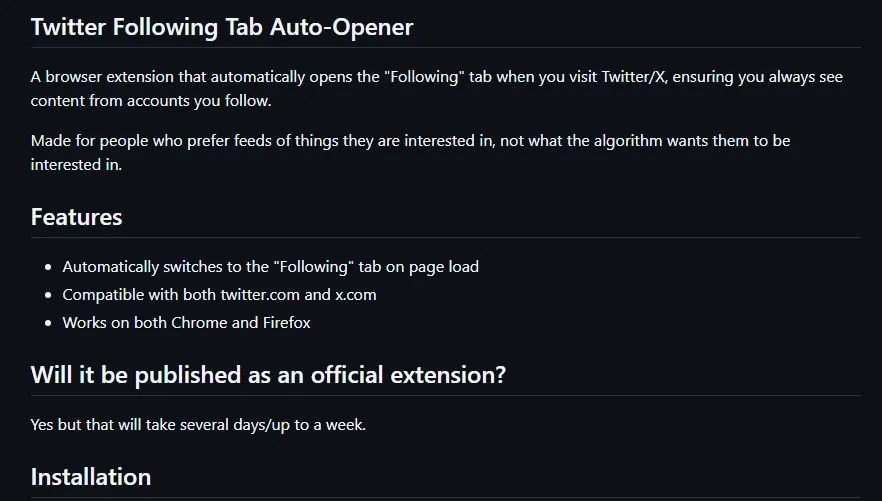
Twitter Following Fix: Forces the feed back to the Following tab, after Twitter "broke it" and forces a default open to the For You slop tab
GitHub: https://github.com/BeyondMachines/TwitterFollowingFixer
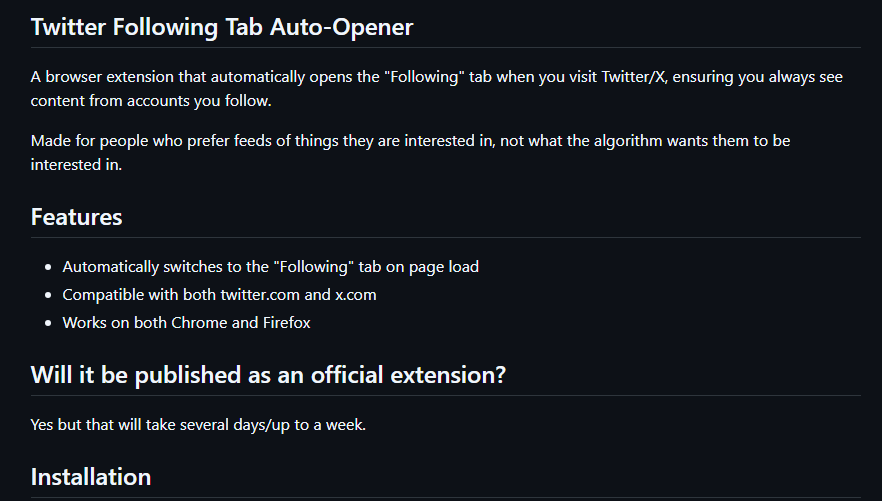
How It Works/Installation
The extension uses a content script that:
▪️Waits for the page to load
▪️Finds the tab element with role="tab" that contains "Following" text
▪️Clicks it if it's not already selected (aria-selected="false")
▪️Monitors for page navigation and repeats the process (Twitter is a SPA)
Steps for Chrome/Brave/Chromium (Firefox below Chromium instructions):
- Clone the repository above or download as a ZIP from the "Code" button.
- Extract the zip to a folder
- Navigate to chrome://extensions/ in your browser bar for Chrome.
- Toggle the "Developer mode" switch in the top-right corner
- Click "Load unpacked" and Select the extension folder
- Visit Twitter/X and the extension will load to Following after refreshing.
Firefox Steps:
- Clone the repository above or download as a ZIP from the "Code" button.
- Extract the zip to a folder
- Navigate to about:debugging#/runtime/this-firefox Or type about:debugging and click "This Firefox"
- Click "Load Temporary Add-on..."
- Navigate to the extension folder and select manifest.json
- Visit Twitter/X and the extension will load to Following after refreshing.