GitHub: https://github.com/kavehtehrani/cloudflare-speed-cli
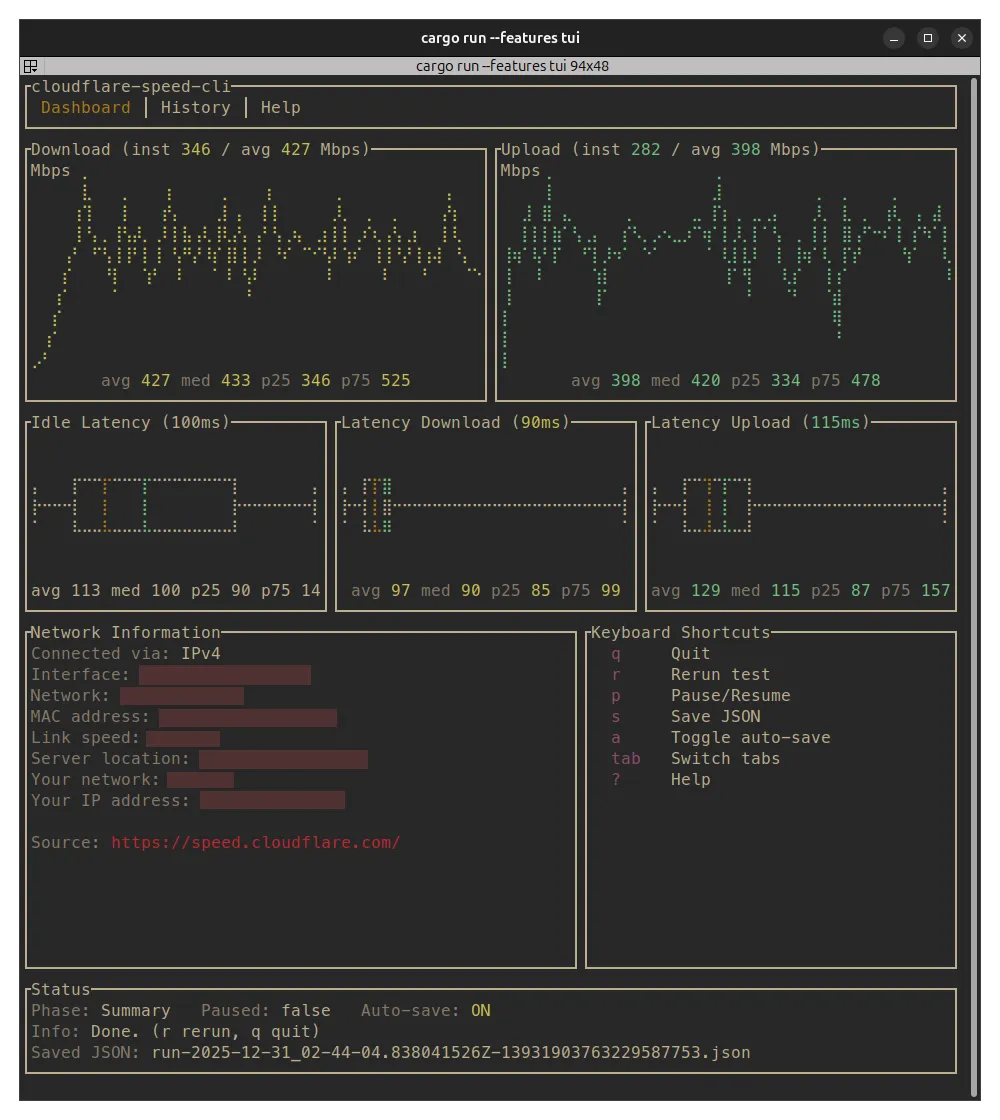
A CLI tool that displays network speed test results from Cloudflare's speed test service in a TUI interface.
Features
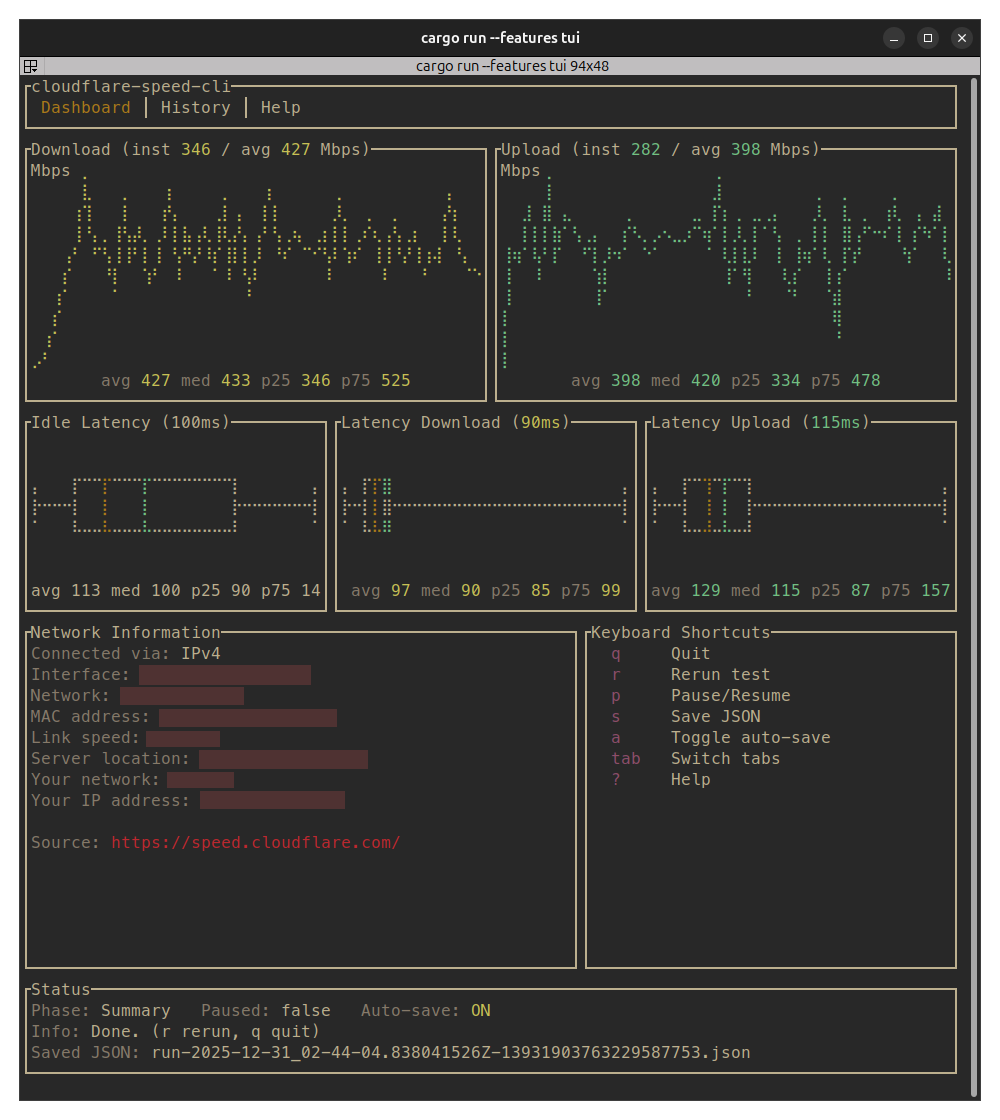
- Speed Tests: Measures download/upload throughput, idle latency, and loaded latency
- Interactive TUI: Real-time charts and statistics
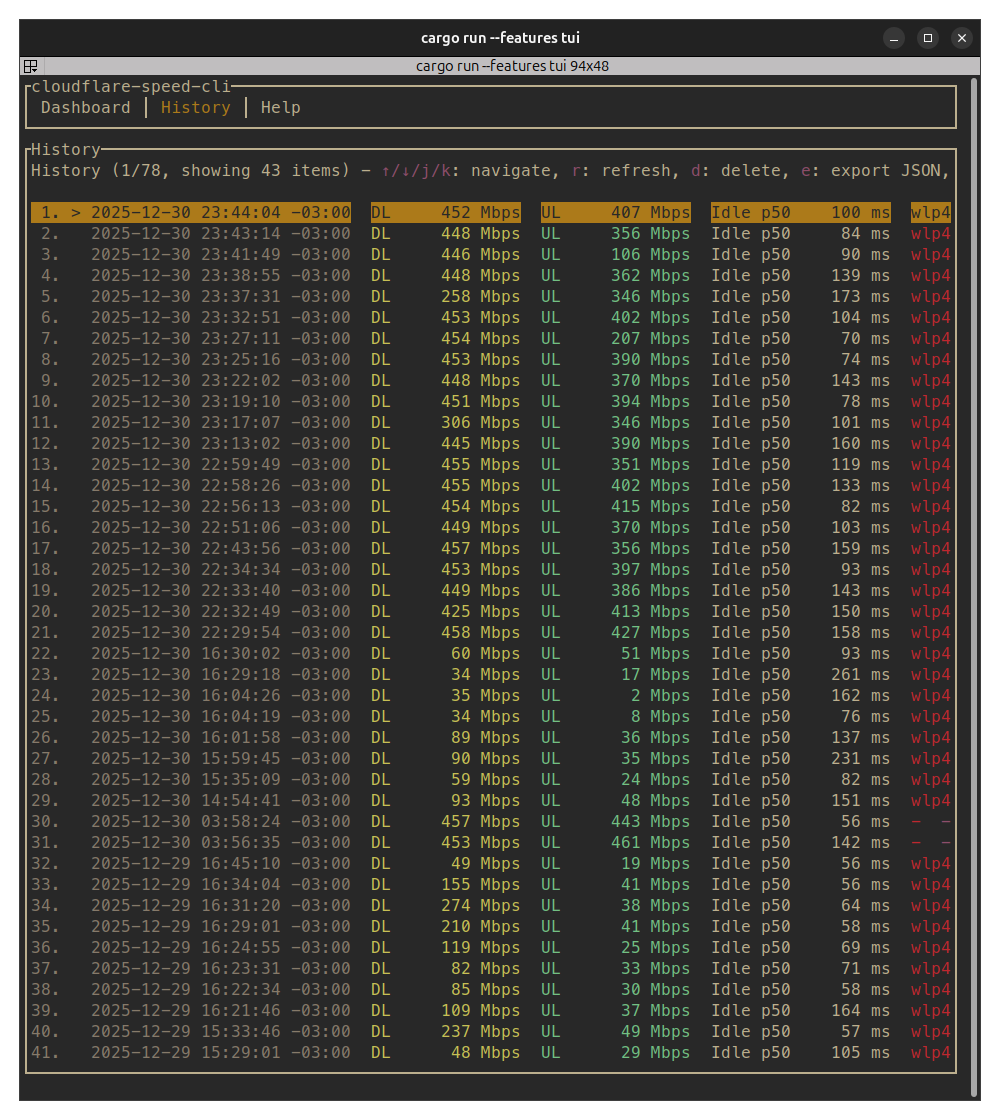
- History: View and manage past test results
- Export: Save results as JSON
- Text/JSON Modes: Headless operation for scripting
- Interface Binding: Bind to specific network interface or source IP
Installation
From Source
My preferred way if you have cargo installed
cargo install --git https://github.com/kavehtehrani/cloudflare-speed-cli --features tui
Installation Script
For the lazy:
curl -fsSL https://raw.githubusercontent.com/kavehtehrani/cloudflare-speed-cli/main/install.sh | sh
Binaries
Download the static binary for your system from the latest release.
Note: I have checked the binaries on Linux (x64 and ARM64) and on Windows 11 but I do not have an Apple device. If there is any issue please do let me know!
Usage
Run with the TUI (default):
cloudflare-speed-cli
Text output mode:
cloudflare-speed-cli --text
To see all options:
cloudflare-speed-cli --help
Source
Uses endpoints from speed.cloudflare.com You can read more about how Cloudflare's speedtest works here.
Outstanding Issues
- Network information on Windows is incomplete. I haven't used Windows (outside gaming) in many years and unless there's demand for it I likely won't implement this part. Feel free to open a PR or an issue and we can chat. Honestly the only reason there's a Windows binary at all is because 'cargo-dist' made it so easy to do so.
Contributing
Contributions and comments are very welcome! Please feel free to open issues or pull requests.